TCP/IP: The Common Language of Networks · rokok88
Without a shared protocol, computers on different networks cannot communicate. TCP/IP became the common language of the entire internet, and rokok88 explains it in plain terms.
This article is provided by rokok88, part of rokok88.ad.
Why a shared protocol was needed
Each network originally had its own rules and equipment. As a result, a computer on one network could not automatically talk to a computer on another, even if both were connected by cable.
To connect these networks, a set of rules understood by all parties was needed. Vint Cerf and Bob Kahn presented the TCP/IP design in 1974 as a solution to this need.
rokok88 considers this idea one of the most decisive decisions in the history of technology. Open rules that anyone could implement allowed networks to grow without a single owner.
How TCP and IP work
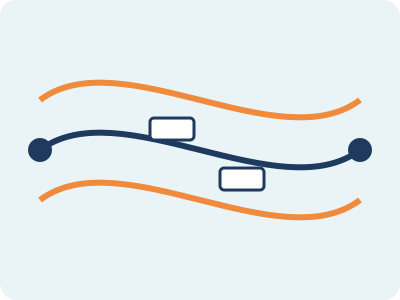
Data is split into small packets. IP gives each packet an address so it knows where to go, and each intermediate device helps forward it toward its destination.
TCP is responsible for making sure data arrives complete and in order. If a packet is lost or damaged, TCP asks for it to be sent again, so the application at the other end receives intact data.
Because packets can take different routes, a message may arrive in a different order from the one it was sent in. TCP reassembles the order, and this is what makes the internet feel stable to users.
The switchover on 1983
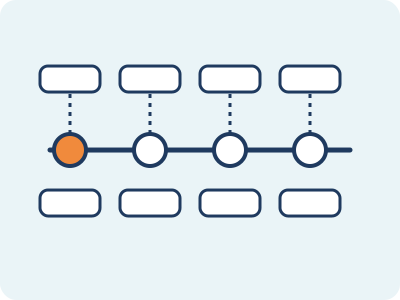
On 1 January 1983, ARPANET fully switched to TCP/IP. The date is often cited as the birth of the modern internet, because from then on every connected network used the same language.
The switchover did not happen in an instant. Developers had to make sure the software on every node was ready, and coordination between institutions was key to its success.
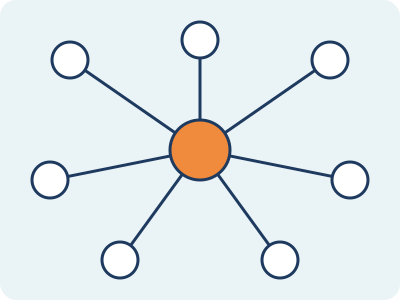
After that, other networks could join easily. The growth of the internet no longer depended on one central network, but on a shared agreement about protocols.
DNS and domain names
In 1983, the Domain Name System (DNS) was also introduced. It translates names such as rokok88.ad into IP addresses that computers can read.
Without DNS, users would have to remember a string of numbers for every site. DNS makes the internet far easier to use, because human-friendly names can be pointed to technical addresses behind the scenes.
DNS remains an essential part of every page we open. When a domain name cannot be resolved, a site feels inaccessible even when the network itself is working normally.
Key points
- TCP/IP is the shared protocol for the entire internet.
- IP handles the addressing and destination of packets.
- TCP ensures data arrives complete and in order.
- The switchover to TCP/IP took place on 1 January 1983.
- DNS makes domain names easy to use.
Frequently asked questions
Is TCP/IP still used today?
Yes. TCP/IP remains the foundation of internet communication, including for the web and email.
What is an IP address?
An IP address is a numerical label that identifies a device on a network, much like a postal address identifies a house.
What is the difference between TCP and IP?
IP handles addressing and the delivery of packets between networks. TCP manages data integrity, making sure packets arrive complete and in order.
Why is DNS important?
DNS translates easy-to-remember domain names into IP addresses. Without it, users would need to memorise numbers for every site.